

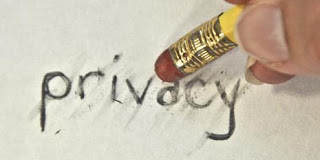
 Linkedin has recently changed its privacy policy. As it stands, if you do not change your personal privacy settings, Linkedin can use your name and photograph for advertising purposes.
If you would like to change the setting, follow the instructions below:
Login
Go to your name in the right upper corner
Click on "settings"
Click on "account" in the left lower corner
Click on "manage Social Advertising” (you will see the default is set to allow Linkedin to use your name and/or photo (if you have one) in advertising)
Thanks go to Sarah Froggatt for keeping us in the loop.
0 Comments